PDF vs PDF/A: The Difference and When You Need Each
PDF is built for sharing; PDF/A is built to look the same decades from now. See what PDF/A requires, which version to ask for, and how to convert and validate a file.
By the PDF Logic team at Appzotech
Published Updated 8 min read
On this page
What PDF/A is
A regular PDF is built to be shared today. A PDF/A is built to open and look the same decades from now, on software that does not exist yet. If a court, archive, university or records office has asked you for PDF/A, that is what they are after.
PDF/A is a stricter version of PDF defined by the ISO 19005 standard. The A stands for archive. The idea is simple: everything needed to display the document must be inside the file, and nothing in the file may depend on a password, an outside resource or software behavior that could change. In practice a PDF/A file must:
- Embed every font. A regular PDF can name a font and trust the reader’s computer to have it. If it does not, the text is drawn in a substitute and the layout shifts. A PDF/A carries its fonts with it.
- Define its colors. Colors are tied to a color profile, so the same red means the same thing on any screen or printer.
- Carry standard metadata. Title, author and dates are stored in one consistent, machine-readable form so that archives can catalog the file.
- Leave out anything that can break or change. No passwords or encryption, no JavaScript, no audio or video, and no content loaded from outside the file.
The PDF Association’s overview of ISO 19005 describes the standard in more depth.
PDF and PDF/A side by side
Swipe the table sideways to see every column.
| Feature | Regular PDF | PDF/A |
|---|---|---|
| Purpose | Sharing, printing, forms and interactive documents | Long-term storage with a predictable appearance |
| Fonts | Embedded or simply named | Always embedded |
| Color | Any color space | Tied to a color profile |
| Passwords and encryption | Allowed | Not allowed |
| JavaScript, audio and video | Allowed | Not allowed |
| File size | Usually smaller | Often larger |
| How you know it is right | It opens | A validator checks it against the standard |
The size difference is real, and it is largely a fixed cost. When we converted a one-page text sample, the file grew from about 1 KB to about 8 KB, because the converter added an embedded font, a color profile and the required metadata. On a long report the same overhead disappears into the total.
PDF/A versions and conformance levels
PDF/A is a family. A requirement normally names a part, which is the number, and a conformance level, which is the letter. PDF/A-2b means part 2, level b.
Swipe the table sideways to see every column.
| Part | Published | What it allows |
|---|---|---|
| PDF/A-1 | 2005 | The original and strictest. No transparency, layers or attachments. |
| PDF/A-2 | 2011 | Adds transparency, layers and JPEG 2000 images. Other PDF/A files may be attached. |
| PDF/A-3 | 2012 | The same as PDF/A-2, except that any type of file may be attached, such as the XML data behind an invoice. |
| PDF/A-4 | 2020 | Built on PDF 2.0, with a simplified set of levels. |
The letter says how much is promised:
- Level b (basic) promises that the pages will look the same. A scan with no searchable text can qualify.
- Level u (Unicode) adds that all text can be reliably searched and copied.
- Level a (accessible) adds tagged structure, such as headings and reading order, for assistive technology.
PDF Logic produces PDF/A-2b. If your instructions name something else, such as PDF/A-1b, PDF/A-3 for e-invoices in the ZUGFeRD or Factur-X format, or level a for accessibility, a 2b file does not meet them.
Ask for the exact part and level before you convert. “PDF/A” on its own is ambiguous, and a system that checks for PDF/A-1b can reject a perfectly valid PDF/A-2b.
When you need PDF/A, and when you do not
Use PDF/A when a document has to stay readable for years and someone has said so: records with a legal retention period, court filings where the rules require it, theses deposited with a university library, and submissions to public archives. It is also a sound choice for anything you would hate to find unreadable in twenty years, such as contracts, deeds and signed minutes.
Stay with regular PDF when the file needs features that PDF/A forbids. A document cannot be both password-protected and PDF/A. Forms that calculate totals with scripts, and files with embedded audio or video, lose those features in conversion. For everyday sharing, PDF/A adds size and gains you nothing.
Convert a PDF to PDF/A-2b and validate it
- Open the file. Go to PDF to PDF/A and select Choose a PDF. The tool takes one PDF up to 30 MB. It first inspects the file in your browser and lists anything worth knowing under Document notes: digital signatures, form fields, or scanned pages with no text.
- Pick the operation. Convert & validate creates a new PDF/A-2b copy. Check PDF/A-2b only tests the file you already have without changing it, which is worth trying first if the file came from software that can export PDF/A.
- Run it. Select the Convert & validate button. Your PDF is uploaded, converted, and then checked by veraPDF, an open-source validator developed by a consortium led by the Open Preservation Foundation and the PDF Association.
- Read the result. A pass says PDF/A-2b validation passed and shows how many rules passed and failed. If the converted file does not pass, no file is returned, so you cannot download a copy that merely claims to be PDF/A.
- Compare and download. Compare the preview with your original, then select Download PDF/A. If your archive wants proof, also save Download report (JSON) or veraPDF report (XML) and keep it with the file.
The validator applies the formal rules of the standard. It does not judge whether the pages still look right, which is why the comparison in the last step matters. The veraPDF documentation explains what validation covers.
What can go wrong, and how to fix it
The file is password-protected
PDF/A forbids encryption, so a protected file cannot be converted as it is. Remove the password with Unlock PDF, which needs the current password, then convert the unlocked copy.
Colors or fonts look different
The converter stores colors as RGB with a standard sRGB profile, and it has to embed a substitute for any font the original only named. Artwork prepared in CMYK for a print shop can shift slightly, and headings in unusual fonts deserve a close look. If appearance is critical, export PDF/A directly from the application that created the document.
Signatures and form fields
Conversion rewrites the file, so an existing digital signature stops validating, and fillable fields can become fixed text. Keep the signed original alongside the archival copy, and check that filled-in values are still visible. Our comparison of electronic and digital signatures explains why any change breaks a signature.
Scanned pages are still not searchable
Conversion does not recognize text. A scan converted to PDF/A-2b is valid, but it remains a picture. Run OCR PDF first if you want the archived copy to be searchable; how OCR works explains what to expect.
The file is edited later
Any change made after validation, including merging, editing or adding page numbers, can break conformance. Make PDF/A conversion the last step, and validate again if the file changes.
How to check a PDF/A you were given
Opening the file proves little. Adobe Acrobat Reader shows a blue bar saying that the file claims compliance with PDF/A, but that bar reads a label inside the file. It does not test the contents. To test them, use Check PDF/A-2b only in PDF to PDF/A, or install the free veraPDF desktop application, which can also check other parts and levels.
When a different tool is the better choice
- You need another part or level. Microsoft Word and LibreOffice can save PDF/A from their PDF export options, and Adobe Acrobat Pro converts to and validates the other parts.
- You still have the source document. Exporting PDF/A from the original application keeps fonts, colors and structure more faithfully than converting a finished PDF.
- You need accessibility. PDF/A-2b says nothing about headings, reading order or alternative text. See our guide to PDF accessibility.
- You need to control who can open the file. That is the job of encryption, which PDF/A excludes. See password-protecting a PDF, and keep the protected copy separate from the archival one.
Frequently asked questions
Can I edit a PDF/A file?
You can, but Adobe Acrobat opens PDF/A files read-only for a reason: an edit can add something the standard forbids. Edit a regular PDF copy, then convert and validate again.
Is PDF/A the same as a searchable PDF?
No. Level b only promises appearance, so a scanned image with no text can be valid PDF/A-2b. Searchability comes from OCR, and accessibility comes from tagging.
Can a PDF/A be password-protected?
No. Encryption of any kind is excluded, because a lost password would make an archived file unreadable. Control access where the file is stored instead.
Does converting to PDF/A reduce file size?
Usually the opposite. Embedding fonts and a color profile adds data. If size matters, reduce the regular PDF first with Compress PDF, then convert the result.
Worked example
A validated archival sample
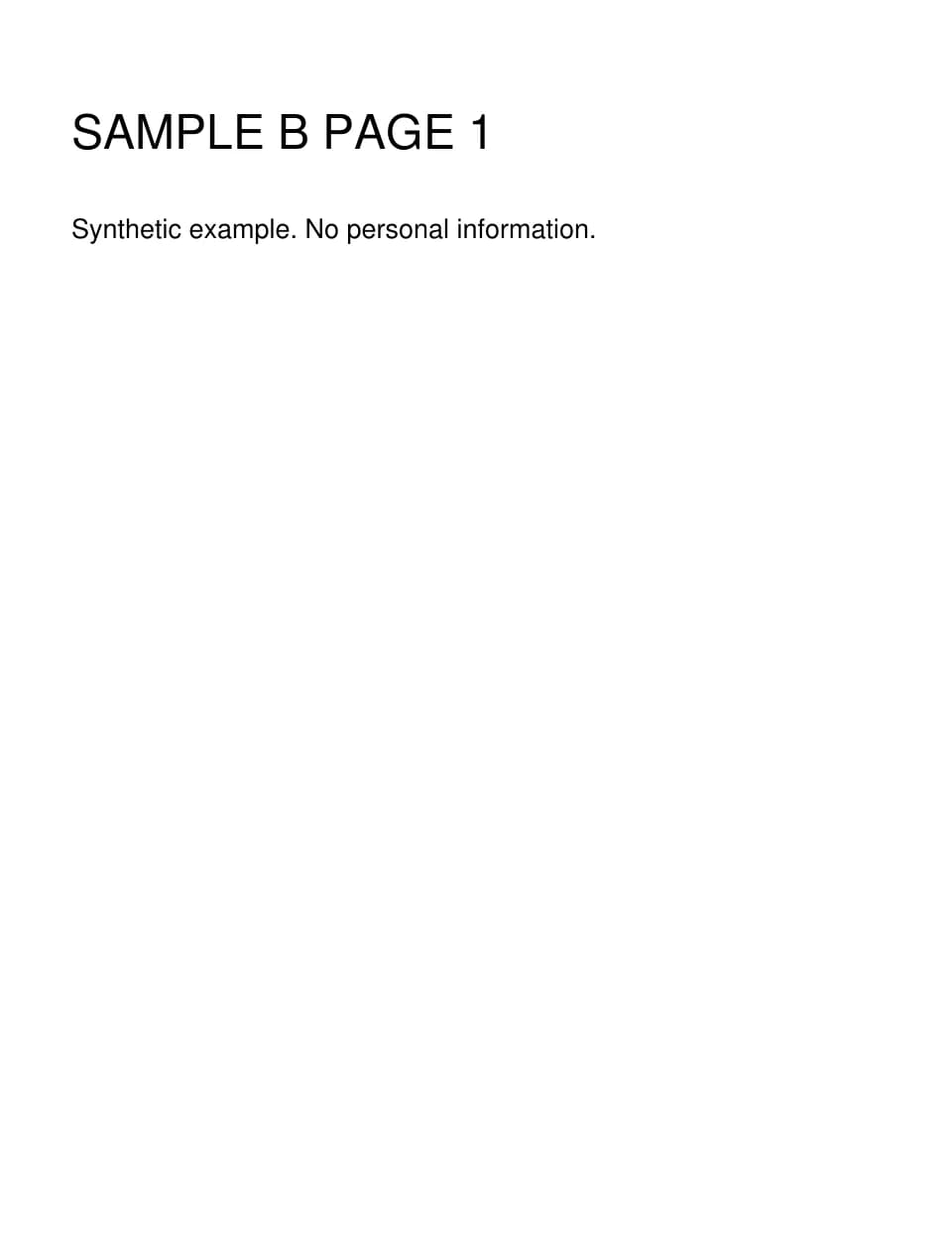
This one-page PDF/A-2b file passed validation with veraPDF, the open-source PDF/A checker. It has the same single page and page label as the source.
Files from this example
Download them to compare the result with the original, or to try the same steps yourself.
Try it
Tools for this guide
Each one is free and works without an account.
Spotted a mistake or something out of date? Tell us and we will fix it. Our editorial policy explains how these guides are written.