HMRC Document Uploads: Compliance Checks and Customs Declarations
HMRC compliance-check uploads take up to 10 files of 15 MB, and Customs Declaration Service uploads up to 10 files of 10 MB. The accepted formats differ, so check first.
By the PDF Logic team at Appzotech
Published 5 min read
On this page
HMRC uses different upload rules for different services. For a compliance check, each file must be 15 MB or less and be a PDF, JPEG, XLSX, ODS, DOCX, ODT, PPTX or ODP file, sent up to 10 at a time. For supporting documents on the Customs Declaration Service, files can be JPG, PNG, TXT or PDF, up to 10 MB each and 10 at a time. Those rules come from GOV.UK’s guidance on sending documents for a compliance check, published August 3, 2026, and on uploading documents for the Customs Declaration Service, last updated December 2, 2024. We read both on October 21, 2026. Other HMRC services set their own rules, so read the page for the one you are using.
This guide is about preparing the files so they upload first time. It is not tax or customs advice.
Which service you are using
The compliance check form is only for people who have received a letter from HMRC’s compliance team asking for more information; an authorised agent can send the documents for you. The Customs Declaration Service upload is for supporting documents such as licences or certificates of origin. GOV.UK says to send them only when your declaration status shows they are needed or HMRC asks you directly, and you need a Government Gateway user ID, access to the service and the Movement Reference Number (MRN) of your declaration.
The rules side by side
Scroll the table to compare all columns.
| Rule | Compliance check | Customs Declaration Service |
|---|---|---|
| File types | PDF, JPEG, XLSX, ODS, DOCX, ODT, PPTX, ODP | JPG, PNG, TXT, PDF |
| Size per file | 15 MB or less | Up to 10 MB |
| Files per upload | Up to 10; send larger sets in groups of 10 or fewer | Up to 10; send larger sets in groups of 10 or fewer |
| Not listed | PNG, HEIC, ZIP | Word, Excel, HEIC, ZIP |
Get each file into an accepted format
The two lists differ in ways that catch people out. A compliance check takes JPEG photos but not PNG, and takes DOCX and XLSX files as they are. The Customs Declaration Service takes PNG but not Word or Excel files.
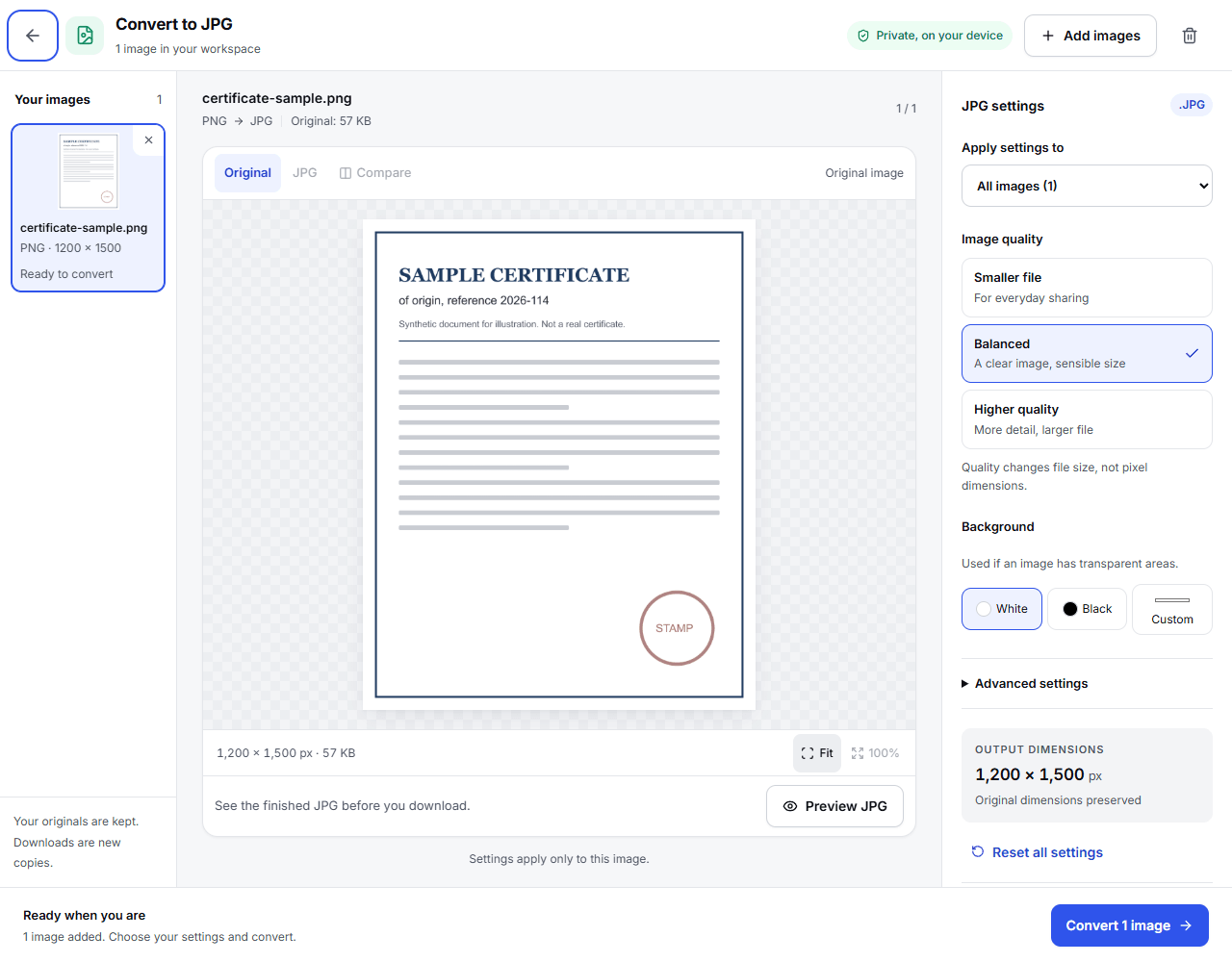
- PNG screenshots or HEIC photos for a compliance check: Convert to JPG turns them into JPEGs in your browser, without uploading them.
- Word or Excel documents for customs: save them as PDF from Word or Excel, or use Word to PDF or Excel to PDF.
- Paper documents for either: scan them to PDF, or photograph them and use Scan to PDF, which straightens and crops each page in your browser and uploads the pages only to assemble the PDF.
Keep each file under the limit
Most typed documents are far below 10 MB. Scans and photos are what grow large. If a file is over the limit for your service:
- A PDF: Compress PDF with Meet a size limit, set a little below the limit, such as 9.5 MB for customs or 14 MB for a compliance check. It uploads the file for the job, takes files up to 30 MB, and deletes the temporary copy afterward.
- A photo: Compress images brings it under a target you set, in your browser.
- A long PDF: Split PDF divides it into parts in your browser.
Send more than 10 documents in groups
Both services take 10 files at a time and ask you to send larger sets in groups of 10 or fewer. Before you split them into groups, combine pages that belong together: a three-page certificate is one document, not three photos. JPG to PDF and Merge PDF do this in your browser. Name each file after what it is, such as “Certificate of origin 2026-114.pdf”, so the caseworker can match it to the request.
A last check before you send
- You are using the right service for your letter or declaration.
- Every file is in that service’s list of formats.
- Every file is under its size limit: 15 MB for a compliance check, 10 MB for customs.
- Each upload holds 10 files or fewer.
- Every page is readable and complete.
Frequently asked questions
Can I upload a ZIP file?
Neither page lists ZIP among its formats. Unzip the archive and upload the files inside, in groups of 10 or fewer.
Can I upload a password-protected PDF?
Neither page mentions passwords, but a caseworker cannot open a protected file without one. Upload an unprotected copy. If you know the password, Unlock PDF saves one on our server and deletes the temporary copy afterward.
Can my accountant upload the documents for a compliance check?
Yes. GOV.UK says an authorised agent can send the details on your behalf.
Does PDF Logic send documents to HMRC?
No. You upload them through HMRC’s own service. Our tools only prepare the files.
Try it
Tools for this guide
Each one is free and works without an account.
Spotted a mistake or something out of date? Tell us and we will fix it. Our editorial policy explains how these guides are written.